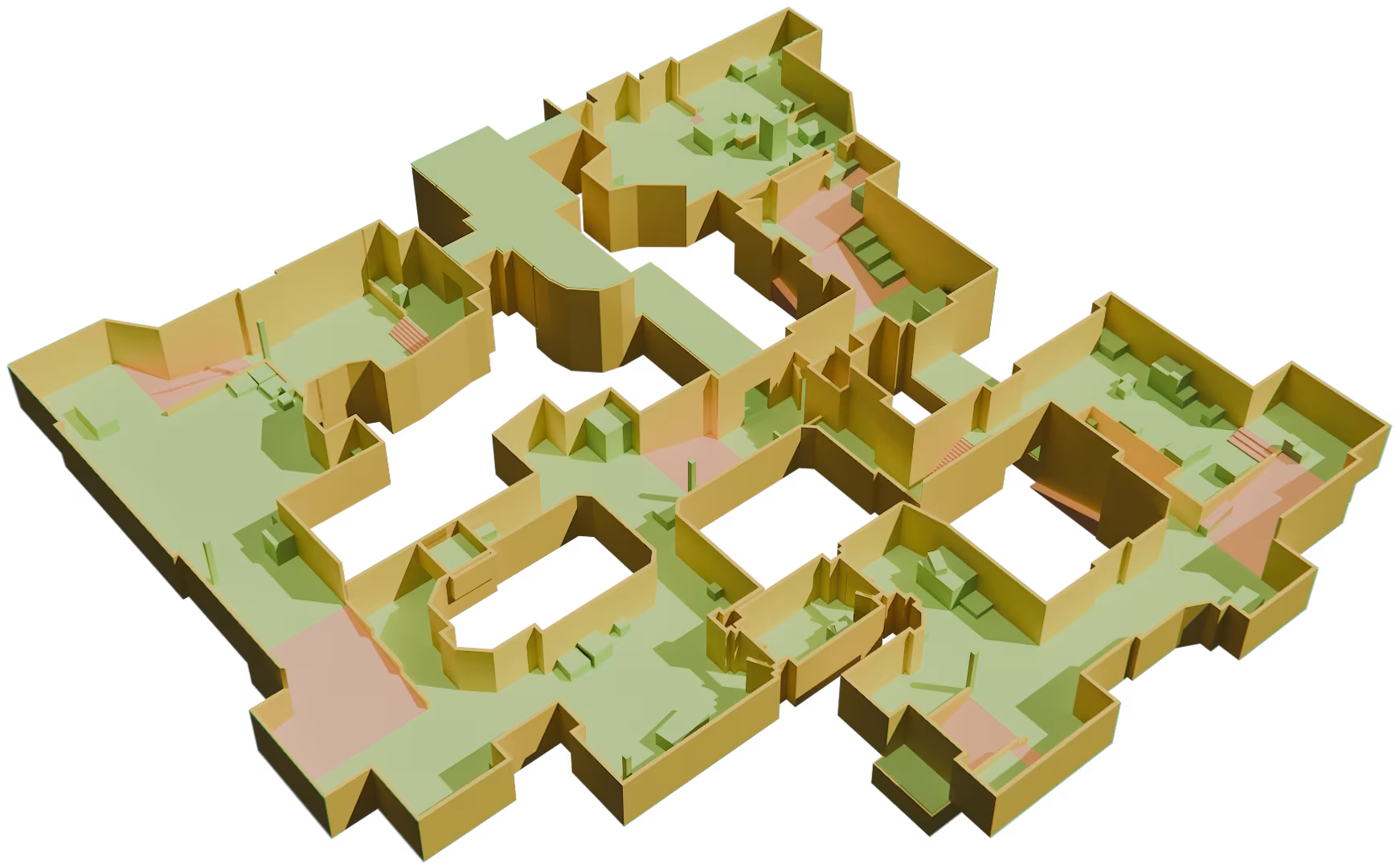
Exporting to OBJ
The alternative way to export your level from Cygon into most of 3D applications and game engines.
The alternative way to export your Cygon levels to any 3D software.
The OBJ export generates a standard Wavefront OBJ file that can be imported into most 3D applications and game engines, making it ideal for visualization or rendering.
Key Features
- Universal Format: Export your level as a standard OBJ file compatible with most 3D software.
- Lightweight Geometry: Preserve your level geometry with a clean mesh structure.
- Material Support: Automatically generates an accompanying MTL file and texture references when applicable.
- Wide Compatibility: Import your exported files into software such as Blender, Roblox Studio, Maya, 3ds Max, Cinema 4D, and many others.
Getting Started
Exporting to OBJ is straightforward:
- Open your project in Cygon.
- Go to the Project Manager window.
- Choose the destination folder.
- Select Roblox or other targeted engine.
- Click Export.
- Cygon generates the OBJ file along with its associated MTL file and any required textures.
How to use it?
After exporting:
- Open your preferred 3D software or game engine.
- Import the generated
.objfile using the application's standard import function. - Ensure the
.mtlfile remains in the same folder as the OBJ file so that materials can be loaded correctly. - If textures were exported, keep them alongside the OBJ and MTL files to preserve the material appearance.
Your level is now ready for visualise, rendering, or integration into your own workflow.
Exported Files
A standard OBJ export typically contains:
YourLevel.obj– the mesh geometry.YourLevel.mtl– material definitions.- Texture files (if applicable).
Keep these files together when moving or sharing your project.
Compatibility
The OBJ format is supported by nearly every major 3D application and game engine, making it an excellent choice for exchanging assets between different tools.
Miscellaneous
Known Limitations
- OBJ stores static geometry only.
- Scene hierarchy, procedural data, and Cygon-specific information are not preserved in the exported file.
- Some advanced material features may differ depending on the capabilities of the target application.
Start building your next environment today
No credit card. No time limit. Your first blockout is 30 minutes away.