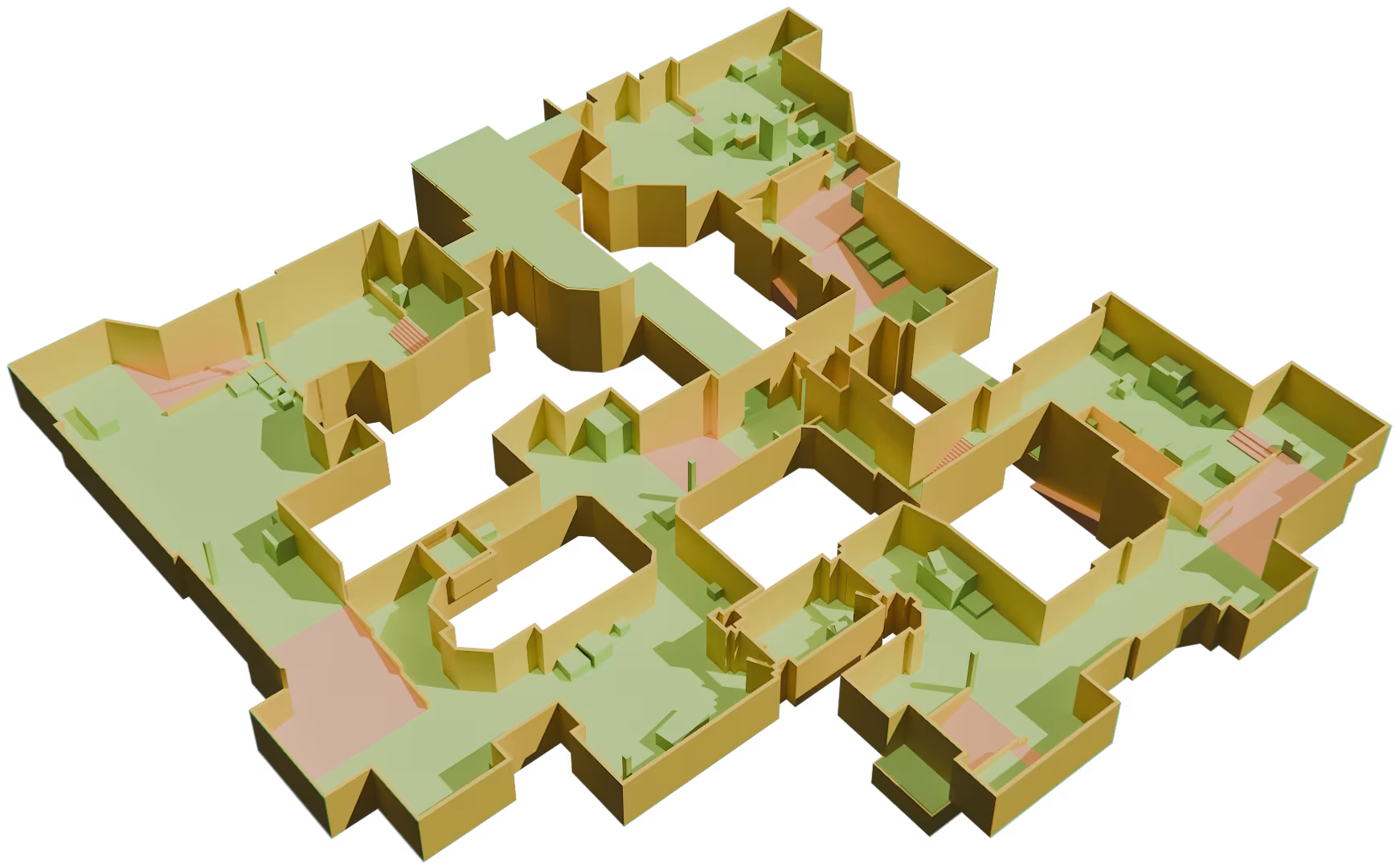
Product roadmap
See what we're building, what's coming next, and what's already available.
Filter:
Released

Move element
Reposition any element in your scene with precise, intuitive controls, giving you full freedom to arrange and fine-tune your layout.
Multi-selection
Select multiple elements at once to move, edit, duplicate or delete them together, making large-scale changes across your scene fast and effortless.
Shortcuts
Speed up your workflow with keyboard shortcuts for the actions you use most, so you can build and edit your scenes without breaking your flow.
Unreal link
Bring your blockout into Unreal Engine. Export your scenes and props to Unreal in one step and continue building with full fidelity.
Unity link
Export your blockout directly to Unity. Move your scenes and props into your Unity project seamlessly, ready to turn your prototype into a real game.
Godot link
Send your blockout straight into Godot. Export your scenes and props to the Godot engine in a click and keep building your game where you left off.
In development
Custom Mesh Import
Bring your own meshes into the editor and use them as props to populate and personalize your scenes.

Texturing
Import your own textures and apply them directly onto your creations, giving you full control over the material and look of every surface.
Coming next

Live collaboration
Work together on the same project in real time, side by side with your teammates.

Open for extension
Let users build and add their own extensions, pushing the editor far beyond its built-in features.
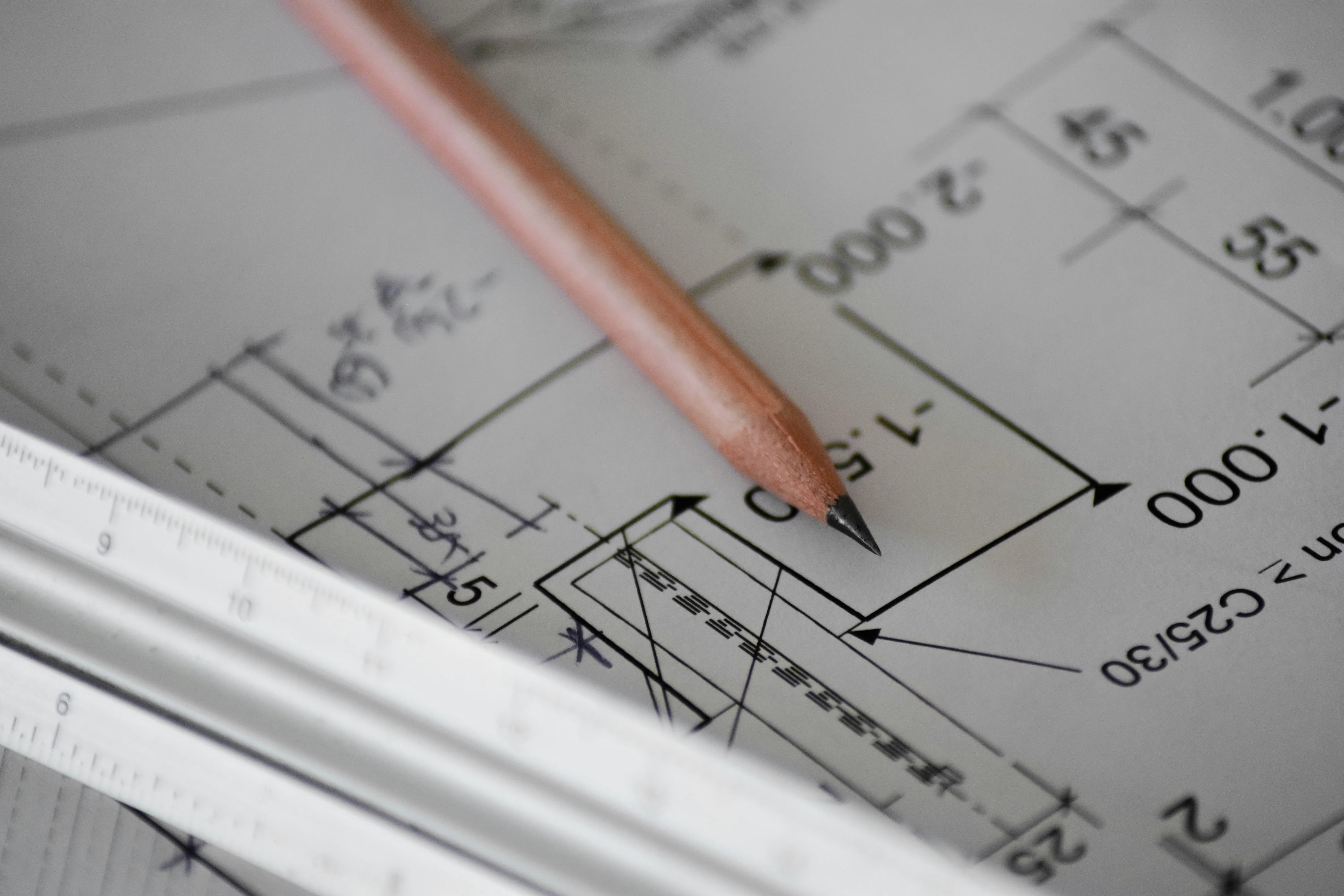
Construction helper tools
Visualize, snap, align and rotate your elements with ease, thanks to construction lines, smart snapping and clear visual guides.
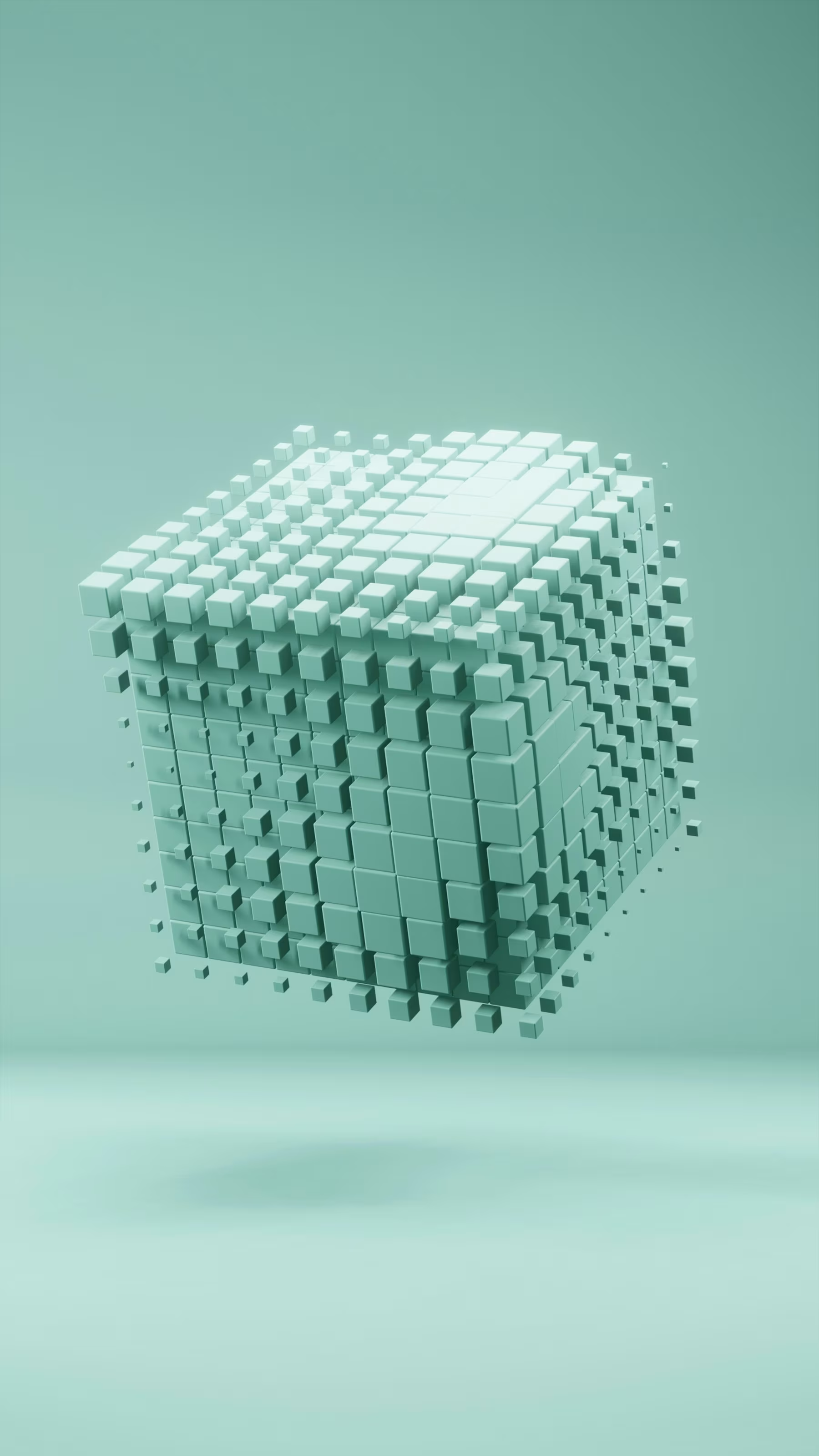
Composite design
Set up complex structural rules using your existing tools and reuse them as living instances rather than copy-paste. Every instance follows the same rules, so you can spin up new pieces — like houses in the same style — instantly.

Curved walls & splines
Break free from straight lines by adding curves and flowing, organic shapes to your buildings.
Smart asset management across projects
Manage and share assets and templates across all your projects through a dedicated interface and a smart tagging system. No more wrestling with complex folder structures that don't scale.
In review

Fence tool
A fully configurable fence and railing tool that adapts to its context, where you can define your own rules and use your own meshes.

Timelapse editor
Record your creations with a build-replay mode: focus on building without worrying about capture, then craft your timelapses exactly how you want with full control over lighting, speed and camera angles.

Advanced roof system
An automatic roof generation system that still lets you tweak individual sections or build the entire roof manually when you want full control.
Non-rectangular openings
Create arched, round, star-shaped or any other form of opening, in any shape of object.

Advanced stairs
More configurable stairs with turns, curves, landings and railings, plus a full preset system to build any style of staircase.
Boolean operations
Cut, merge and combine meshes with far more control over what you cut and exactly how you cut it.

Procedural room filling
Create patterns, rules and presets to populate environments of any size as easily as a single small room. Define the general rules with your creativity and skip the tedious, repetitive task of placing thousands of elements by hand.
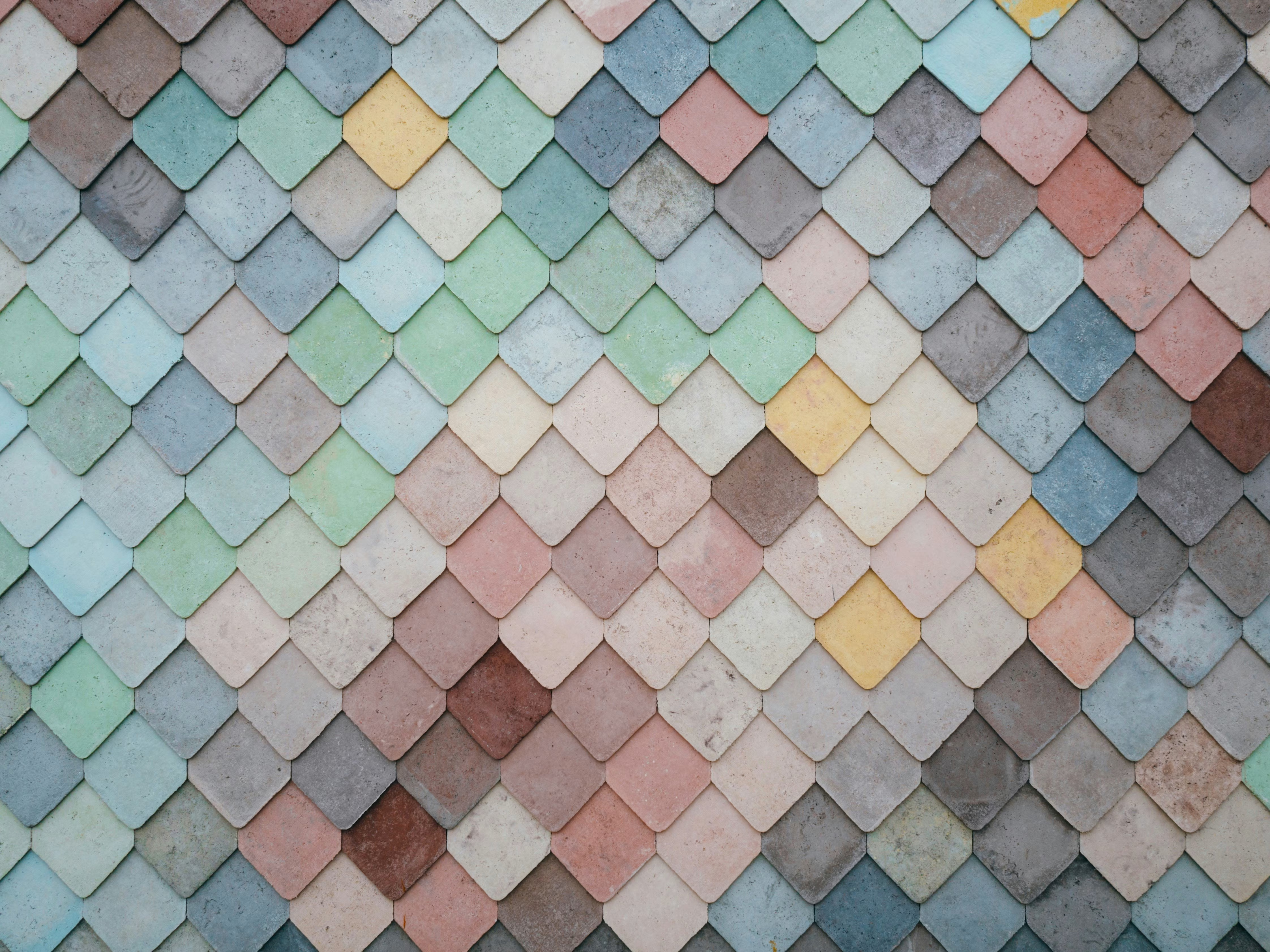
Procedural tile texturing
Automatic UV mapping that assembles individual bricks or tiles across a wall instead of stretching a single flat texture, delivering natural variety with no manual work and no extra performance cost.
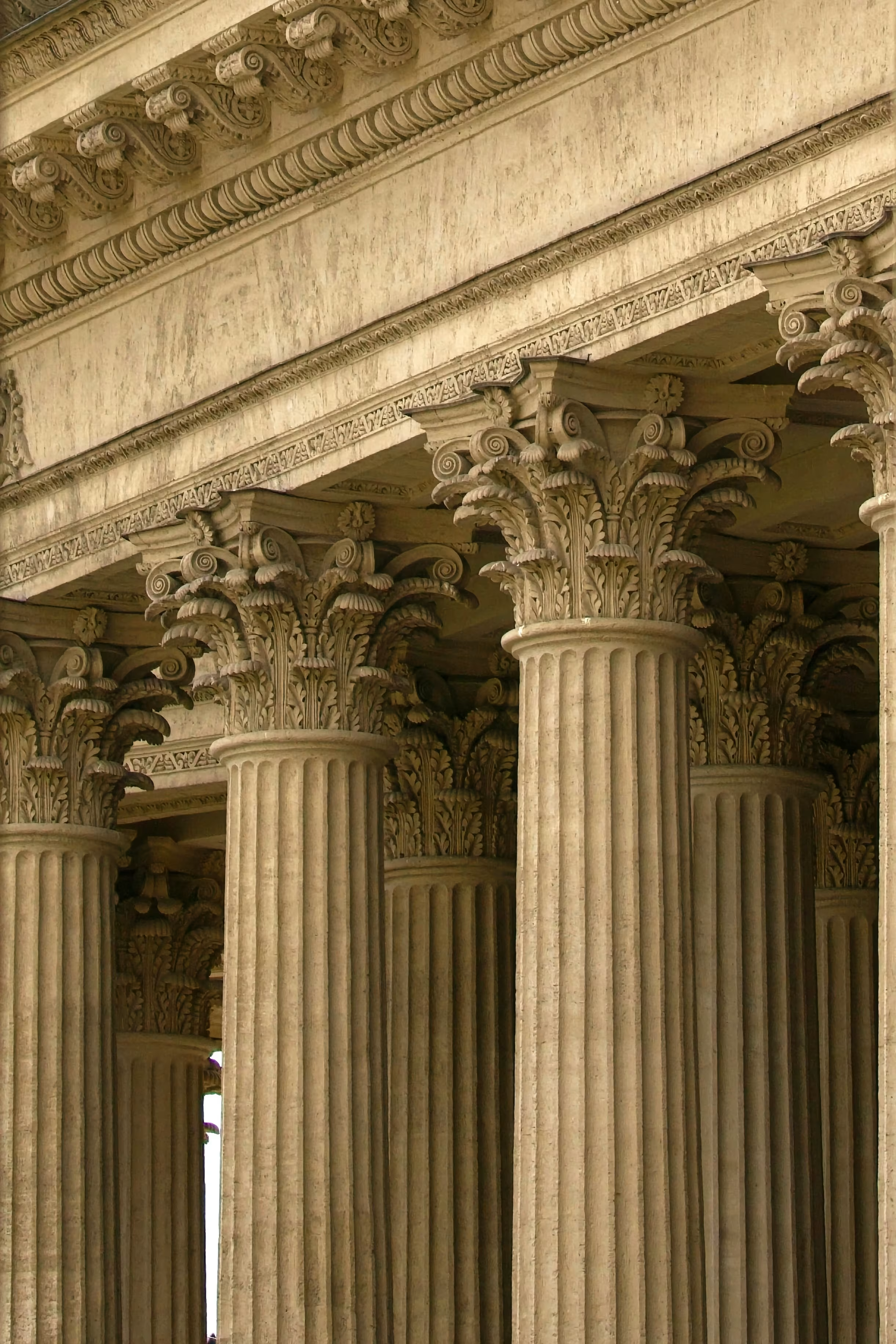
Column tool
A procedural tool that generates a complete column from any mesh you choose, ready to drop into your design.
Start building your next environment today
No credit card. No time limit. Your first blockout is 30 minutes away.